Most SaaS tools ship with two access levels: admin and everyone-else. It works fine until your team grows past a certain size, or until you start onboarding external contributors — agencies, freelancers, integration partners — and you realise that “everyone-else” has too much surface area.
Shortifi’s permission model aims for a third path: opinionated roles that match how marketing teams actually operate, with enough granularity to handle the real edge cases.
The roles and what they own
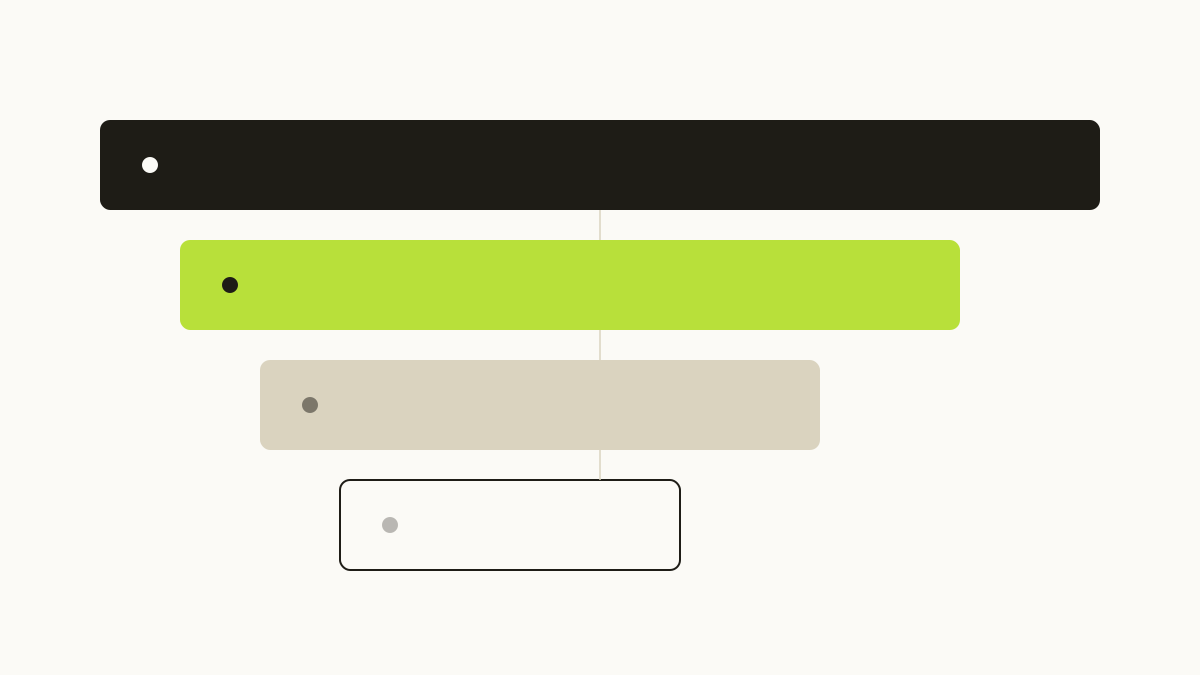
Shortifi uses four roles per workspace. They are additive — each role inherits everything below it.
Viewer
A Viewer can see all links, campaigns, click analytics, and vocabulary entries in the workspace. They cannot create, edit, or delete anything. This role exists for:
- Stakeholders who need reporting access but should not touch campaign configuration
- Auditors and compliance reviewers who need read access to the full click and campaign record
- New hires in their first week, before anyone has confirmed what level of access makes sense
Creator
A Creator can create and edit their own links and campaigns, using existing vocabulary values. They cannot modify vocabulary, manage other users’ links, or access workspace settings. This is the right role for:
- Individual contributors on the growth or content team
- Agency team members running specific campaigns
- Freelancers brought in for a single project
The key constraint is vocabulary: Creators work within the canonical UTM taxonomy. They cannot introduce new sources, mediums, or content values. This is what keeps the data clean at scale.
Editor
An Editor has everything a Creator has, plus the ability to edit any link or campaign in the workspace (not just their own), manage vocabulary entries, and archive campaigns. This is typically the right role for:
- Marketing operations leads who own the UTM taxonomy
- Senior campaign managers who need to correct or update other team members’ links
Admin
Admins have full workspace control: member management, billing, custom domain configuration, workspace-level settings, and the ability to delete any resource. There should be very few admins in any workspace — typically one to three people.
The most common misconfiguration we see is too many admins. When everyone is an admin, nobody is accountable for taxonomy decisions, domain settings change without review, and the audit log becomes noise.
Why the Creator/Editor split matters
The most important boundary in this model is not admin versus everyone-else. It is the Creator/Editor split at the vocabulary level.
Here is the failure mode it prevents: a contractor joins the team for a six-week campaign. They are given Editor access because that seems like the right “working” level. Three weeks in, they add utm_source=LinkedinAds because they could not find linkedin-ads in the autocomplete (it does not exist — the canonical value is linkedin). Now you have two source values for the same channel, historical comparability is broken, and nobody notices until the quarterly review.
With the Creator role, that action is simply not available. The governance is lightweight but explicit.
Role design is not about distrust. It is about making the default action the right action.
The audit log as a first-class feature
Permissions without an audit trail are incomplete. Shortifi records the following events with actor, timestamp, and affected resource:
- Member added or removed from workspace
- Role changed for any member
- Vocabulary entry created, edited, or archived
- Link created, edited, or deleted
- Campaign archived or deleted
- Custom domain added or removed
- API key created or revoked
The audit log is retained for the lifetime of the workspace and is exportable as CSV or JSON. For teams in regulated industries — or teams that simply want to understand what changed when something looks wrong — this is the difference between a two-minute investigation and a two-day one.
Onboarding new members quickly and safely
One practical benefit of clear roles is that onboarding becomes a decision rather than a configuration project. When a new contractor starts:
- Invite them with the Creator role. They can start creating links immediately.
- Walk them through vocabulary in the first 30 minutes. Show them the existing sources, mediums, and campaign slugs.
- Upgrade to Editor if needed once you have seen their work and know they understand the taxonomy.
This pattern works because the Creator role is genuinely functional for most day-to-day tasks. It is not a restricted read-only state — it is a full working role that happens to protect the shared taxonomy.
The cost of getting permissions wrong
Access control failures in marketing tooling tend not to be dramatic. There is no data breach headline. The damage is slower: a misspelled UTM value that corrupts channel attribution for a quarter, a deleted campaign link that breaks a high-traffic blog post, a vocabulary entry added by someone who did not understand the naming convention.
The cumulative cost of these small failures — in analyst time, in wrong budget decisions, in re-work — is significant. A permission model that prevents them is not overhead. It is infrastructure.